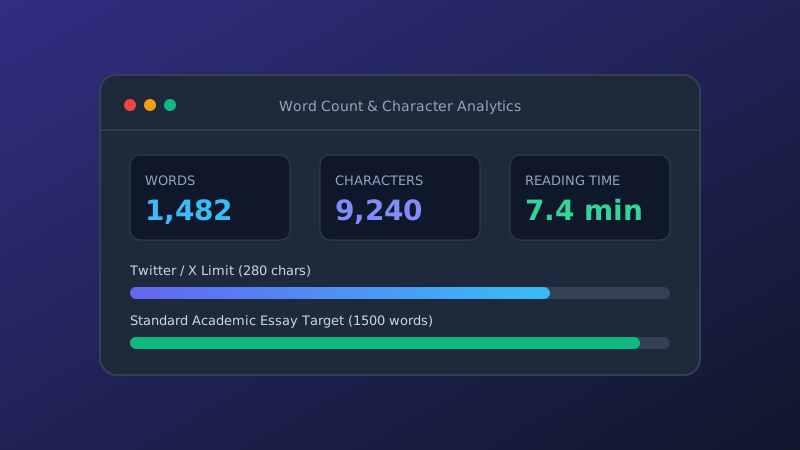
How to Count Words Correctly for Essays and Social Media
Discover how automated counting algorithms evaluate hyphenated terms, symbols, and whitespace, plus essential target lengths across major platforms.
Powerful, privacy-focused text tools for writers, developers, and SEO professionals. Analyze, clean, convert, and format text instantly — all directly in your browser with no data uploads or downloads.
Select any tool below to launch its dedicated workstation. Every utility operates entirely offline once loaded.
Calculate live word counts, characters with and without spaces, reading/speaking times, and top 10 keyword densities with stop-word filtering.
Transform text formats instantly between UPPERCASE, lowercase, Title Case, Sentence case, camelCase, PascalCase, snake_case, and kebab-case.
Compare two documents or code snippets side-by-side using an in-browser LCS algorithm with color-coded additions, deletions, and whitespace options.
Deduplicate repetitive lines from lists, CSV files, and datasets. Includes case-sensitivity toggles, automatic trimming, and alphabetical sorting.
Generate customizable placeholder dummy text by paragraphs, sentences, or individual words with optional HTML paragraph markup.
Render text into stylized monospace ASCII art banners using built-in Standard, Block, and Small font engines without external font downloads.
Invert strings or word orders instantly, and run an automated punctuation-insensitive palindrome analyzer with normalized comparison breakdown.
Clean up copy-paste clutter by removing erratic line breaks, collapsing duplicate spaces, trimming margins, and tracking character reduction stats.
Engineered for uncompromising speed, privacy, and usability.
Your text never leaves your device. All calculations, regex filters, and formatting scripts run inside your browser session using native JavaScript.
Without round-trip HTTP server delays, our tools provide real-time updates as you type or paste content. Large documents process in milliseconds.
Every single utility on ollrite Tools is freely available without sign-in requirements, credit cards, premium tiers, or hidden subscriptions.
Read in-depth articles on text formatting, content optimization, and digital developer workflows.
Discover how automated counting algorithms evaluate hyphenated terms, symbols, and whitespace, plus essential target lengths across major platforms.
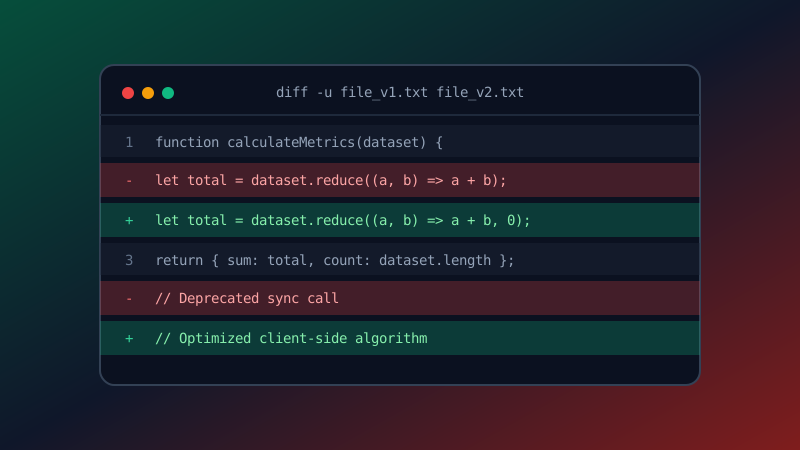
Learn how the Longest Common Subsequence (LCS) algorithm powers version control diffs, patch inspection, and legal document auditing.

Explore how invisible characters, malformed spaces, and erratic line breaks hurt search crawler parsing, site accessibility, and user retention.